01Logging
Effort-based set logging
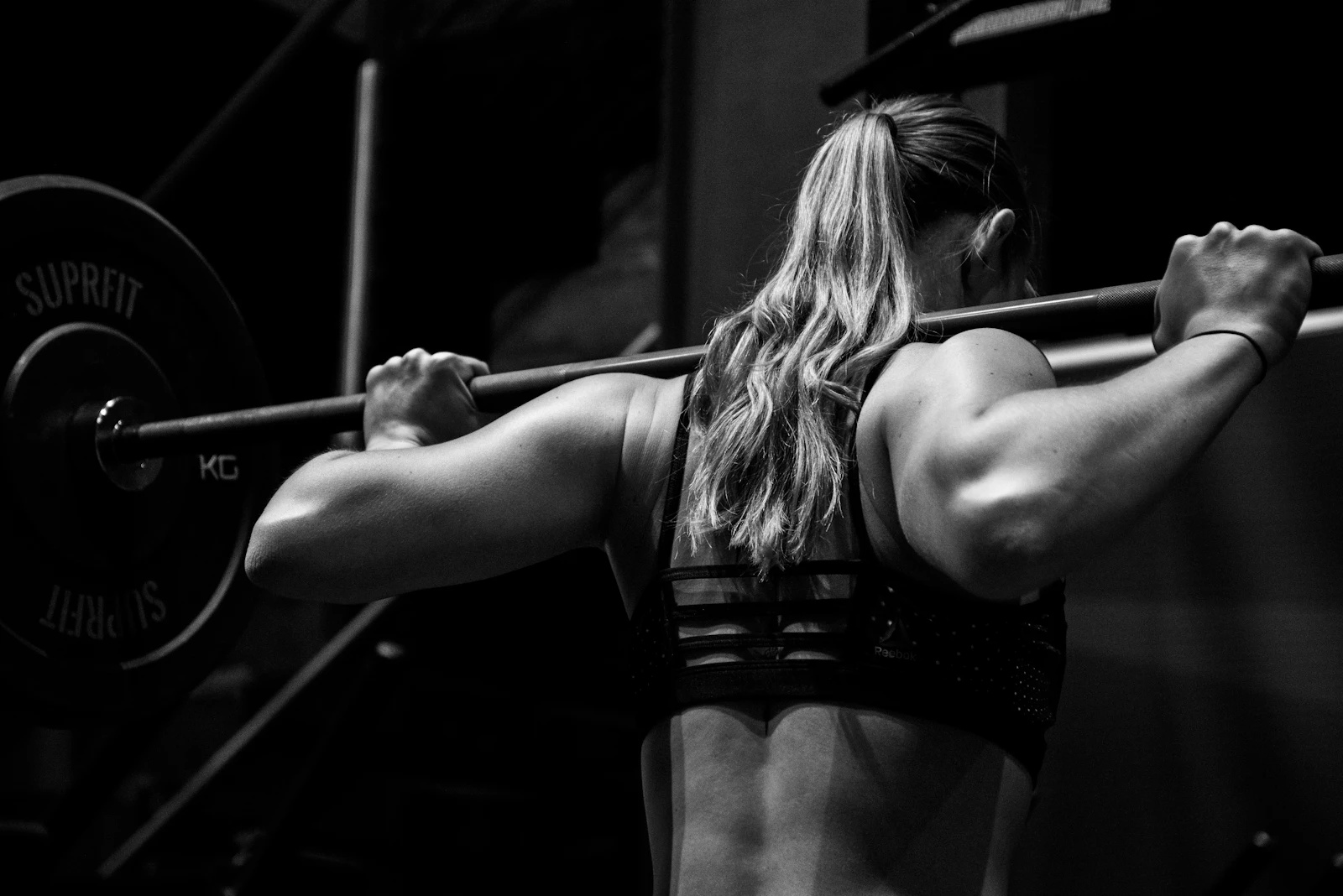
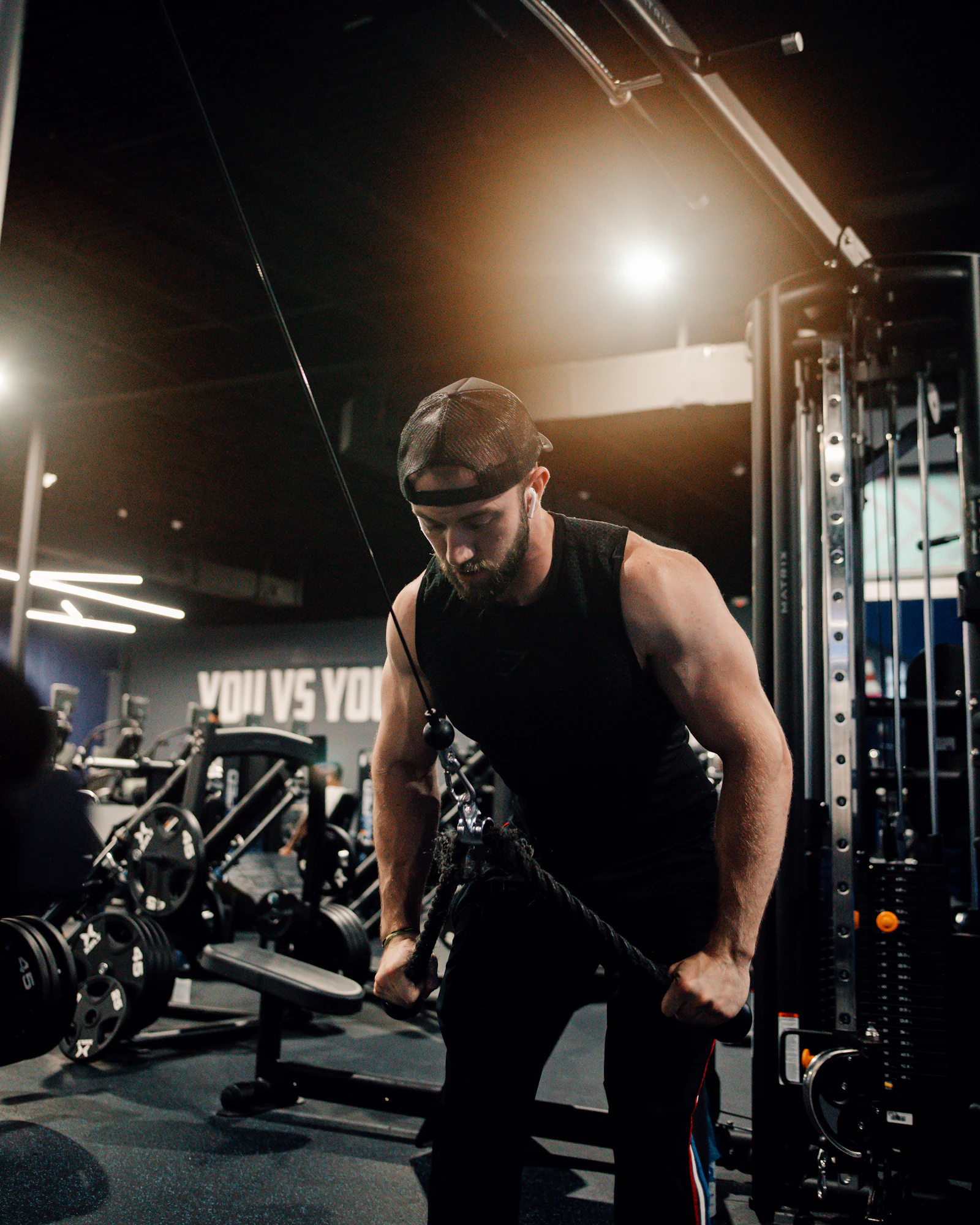
Log weight, reps, and RIR or RPE for every set. Mark warmups separately from work sets so your data stays clean.

The training stack
Set up a block with accumulation and peaking phases. Use 5/3/1, a built-in program, or your own template.
Record weight, reps, and effort for every set. The plate calculator tells you what goes on the bar.
Track max weights per lift, weekly volume, and strength trends. Export your history when you need raw data.
On the platform
Powerlifting sessions are simple on paper but messy in practice. Obsidian handles the logging details so you can focus on the bar.
Log weight, reps, and RIR or RPE for every set. Mark warmups separately from work sets so your data stays clean.
Enter your working weight and see which plates go on each side. Switch between lb and kg in settings.
See your best weights per lift over time. Check weekly volume and bodyweight trends alongside your strength numbers.
Features
Log each lift with weight, reps, and effort. A rest timer starts so you are recovered for the next set.
Figure out which plates to put on each side for your working weight.
Track max weights, weekly volume, bodyweight trends, and cardio totals over time.
Run block periodization like 5/3/1 or start from built-in splits like Push/Pull/Legs.
Example block
Build multi-week programs with different blocks. Training and rest days are built into the schedule.
Higher volume at moderate intensity. Log RIR or RPE for every working set and let volume charts track the load.
Heavier singles and doubles with longer rest. The plate calculator handles bar loading between attempts.
Log attempts with weight and reps. Your PR history updates automatically after the session.
FAQ
Training styles