01Logging
Set logging that keeps up
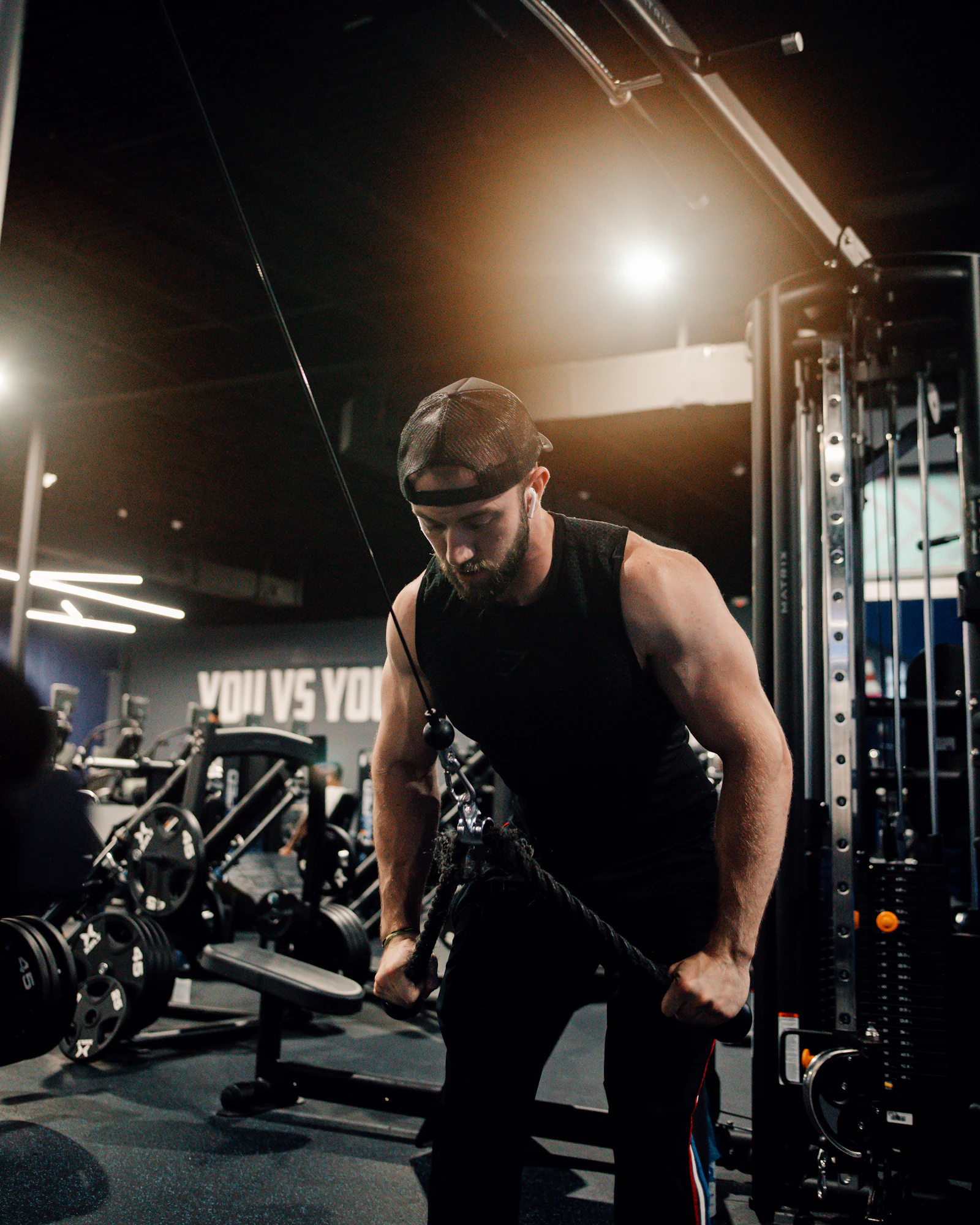
Move exercise by exercise. Log weight, reps, and RIR or RPE for every set. Mark warmups, working sets, and dropsets.
- Rest timer starts after each set
- Add or swap exercises mid-workout
- Auto-save while you train
The training stack
Pick a built-in split like Push/Pull/Legs or build your own weekly schedule with training and rest days.
Tap through each exercise, enter weight and reps, and let the rest timer run. Your workout saves as you go.
Check PRs per lift, weekly volume by muscle group, and export your history when you want a spreadsheet.
In the gym
The features you reach for between sets: fast logging, structured programs, and charts that show what you actually did.
Move exercise by exercise. Log weight, reps, and RIR or RPE for every set. Mark warmups, working sets, and dropsets.
Start from built-in programs or build multi-week schedules with different training blocks. Today's workout is always on your home screen.
See max weights, weekly volume by muscle group, and cardio totals. Download set history as CSV any time.
Load the bar without doing math in your head. Switch between lb and kg and set RIR or RPE as your default.
Features
Log each lift with weight, reps, and effort. A rest timer starts so you are ready for the next set.
Run block periodization like 5/3/1 or start from built-in splits like Push/Pull/Legs.
Track max weights, weekly volume, bodyweight trends, and cardio totals over time.
Figure out which plates to put on each side for your working weight.
Example split
Built-in templates give you a starting point. Swap exercises, adjust sets and reps, and save your own version.
Bench, overhead press, and accessories. Log each set with weight, reps, and RIR or RPE.
Rows, pull-ups, and rear delt work. The rest timer runs between sets so you stay on pace.
Squats, hinges, and leg accessories. Pick up where you left off when you open the app next session.
FAQ
Training styles